Cyber News
Chinese State-Sponsored Hackers Use AI-Powered ARTEX Framework to Target 200+ Organizations Worldwide
Cyber Espionage / Artificial Intelligence
10 min read


Vulnerability / Endpoint Security
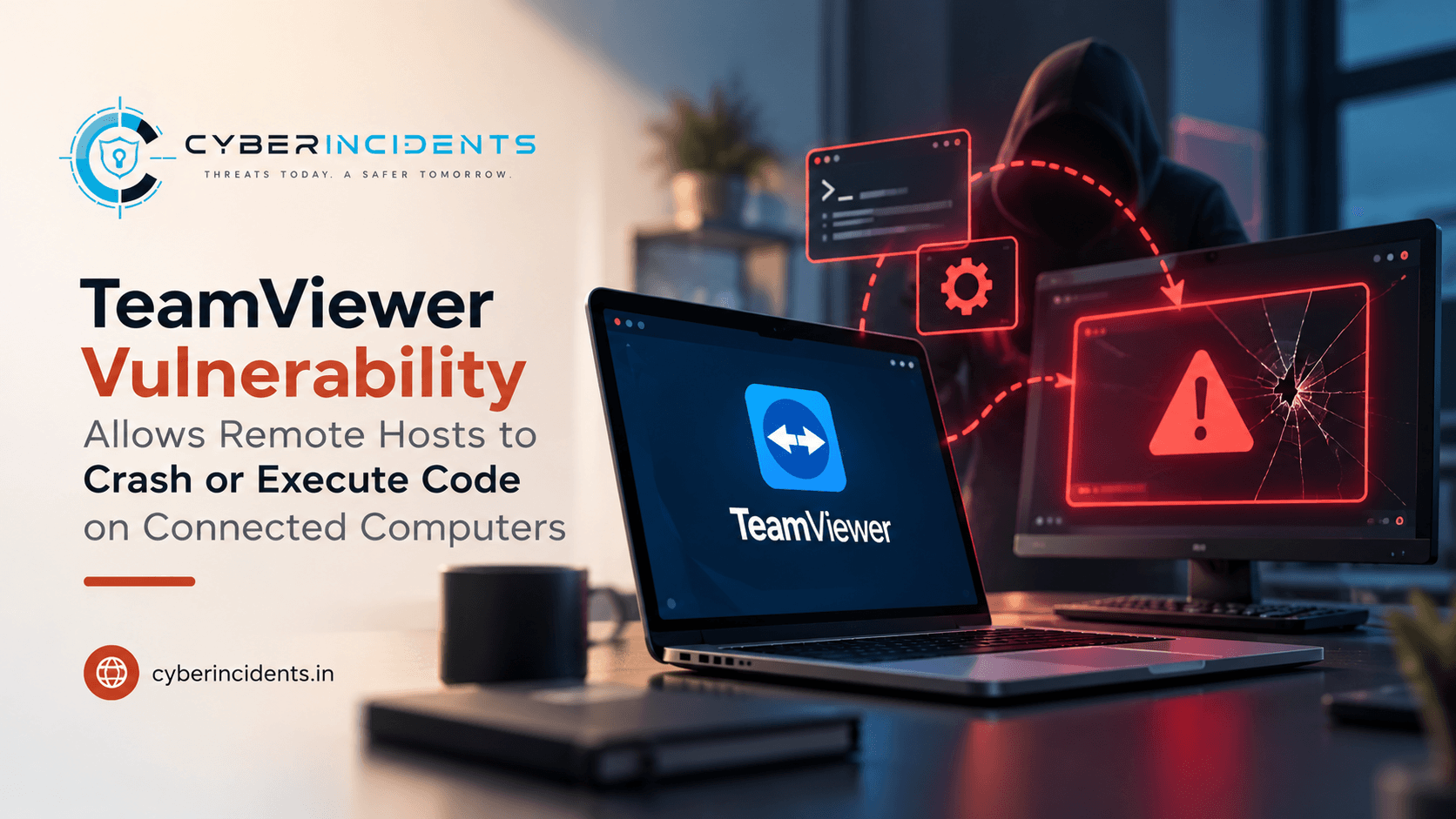
TeamViewer has fixed a high-severity vulnerability that could allow a compromised remote computer to attack the computer connecting to control it.
Tracked as CVE-2026-111585, the flaw affects TeamViewer's remote-control session handling. A malicious host can exploit an integer overflow during screen-data processing, potentially causing a memory corruption condition on the connected viewer.
Depending on the platform, successful exploitation could result in application crashes or remote code execution on the viewer's computer.
CVE: CVE-2026-111585
Severity: High — CVSS 8.8
Affected versions: TeamViewer versions earlier than 15.83
Affected platforms: Windows, Linux, macOS and Android (depending on the affected edition)
Fixed version: TeamViewer 15.83 or later
Attack requirement: The victim must initiate or accept a remote-control session with the malicious host.
Exploitation status: No exploitation in the wild was reported at the time of disclosure.
TeamViewer has addressed a vulnerability that reverses the expected trust relationship in remote-control sessions, allowing the computer being controlled to attack the computer controlling it.
In a typical TeamViewer session, two systems participate:
Viewer: The computer initiating the connection and controlling the remote system.
Host: The remote computer being accessed and controlled.
The vulnerability allows a malicious or compromised host to send specially crafted screen information to the viewer. This can trigger a memory corruption condition in the viewer's TeamViewer application.
The vulnerability was discovered by Omri Dar, a researcher at security firm Remedio, and publicly detailed on October 29, 2026.
The issue involves how TeamViewer processes screen dimensions and incoming screen data during a remote-control session.
When a session begins, the host communicates information about its screen resolution to the viewer. The viewer uses these dimensions to calculate and allocate memory for the incoming screen image.
According to the research, an integer overflow in this calculation can cause the viewer to allocate less memory than required.
The attack sequence is:
Malicious host prepares the attack: An attacker controls or compromises a computer running TeamViewer.
Victim establishes a session: The victim connects to the malicious host using TeamViewer's remote-control functionality.
Manipulated screen dimensions: The host supplies specially crafted screen-size information.
Integer overflow occurs: The viewer's memory-allocation calculation overflows, resulting in an undersized memory allocation.
Out-of-bounds memory write: Incoming screen data exceeds the allocated memory boundary.
Potential exploitation: The viewer's TeamViewer process crashes or, under certain platform-specific conditions, may execute attacker-controlled code.
The important aspect is that the attack originates from the remote computer being controlled rather than the computer initiating the session.
1. Denial of Service
At a minimum, the malicious host can repeatedly crash the viewer's TeamViewer application by triggering the vulnerable screen-data processing mechanism.
2. Remote Code Execution
Remedio demonstrated that the vulnerability could be taken further on Windows, bypassing built-in operating-system exploit protections and executing attacker-controlled code in the viewer's environment.
However, the demonstration used a stand-in on the host to supply part of the attack data. Therefore, it was not a fully network-based exploitation demonstration.
The research demonstrated this code-execution capability on Windows only. The extent to which similar exploitation is possible on Linux, macOS, or Android was not established in the published technical account.
The vulnerability does not require the attacker to obtain the victim's TeamViewer password or require an additional click after the remote-control session is accepted, according to the research.
However, the victim must establish a remote-control session with the malicious host. An attacker cannot use this vulnerability alone to connect to arbitrary TeamViewer systems without that interaction.
The vulnerability therefore creates a significant risk in scenarios involving untrusted remote-support sessions, compromised support systems, or malicious computers that users voluntarily connect to.
The vulnerability affects the following TeamViewer products in versions earlier than 15.83:
TeamViewer Full Client for Windows.
TeamViewer Full Client for Linux.
TeamViewer Full Client for macOS.
TeamViewer Portable for Windows.
TeamViewer Remote Control app for Android.
TeamViewer's bulletin for this specific vulnerability does not list the TeamViewer Host edition as affected. However, the same 15.83 update fixes two additional vulnerabilities that do affect the Host edition. Therefore, Host deployments should also be updated.
TeamViewer released version 15.83 to address CVE-2026-111585.
The same release also addresses two additional high-severity vulnerabilities, including a separate code-execution issue affecting Linux and macOS.
A companion security bulletin, TV-2026-1012, addresses six additional vulnerabilities in TeamViewer Remote Management add-ons, which are delivered through automatic updates.
There is no workaround listed for CVE-2026-111585. Updating to the fixed version is the recommended remediation.
TeamViewer stated that it was unaware of exploitation in real-world attacks when the fix was published. Remedio also reported no known attacks in the wild and did not release exploit code.
No malicious IP addresses, domains, file hashes, or confirmed attacker infrastructure were identified in the supplied reports.
The following vulnerability-related investigation pivots can help security teams identify potentially exposed systems:
| Indicator / Pivot | Description |
|---|---|
CVE-2026-111585 | Vulnerability identifier |
TV-2026-1011 | TeamViewer security bulletin associated with the primary vulnerability |
TeamViewer versions earlier than 15.83 | Potentially vulnerable installations |
TeamViewer.exe and associated TeamViewer processes | Windows endpoint investigation pivots |
| Unexpected TeamViewer process crashes | Potential symptom requiring investigation |
These are investigation references, not confirmed indicators of compromise. A TeamViewer crash alone does not establish exploitation.
Use endpoint inventory, vulnerability-management platforms, and software asset-management tools to identify systems running affected TeamViewer versions.
Prioritize:
TeamViewer Full Client installations earlier than 15.83.
Windows Portable deployments.
Android devices using the Remote Control application.
Systems used by IT support teams and administrators.
Host installations requiring the same security update for the additional vulnerabilities.
Validate the installed version rather than relying solely on deployment status.
Review endpoint telemetry and application logs for unexpected TeamViewer crashes.
Investigate:
Repeated crashes during remote-control sessions.
Abnormal application termination.
Memory-related application errors.
Unexpected TeamViewer restarts.
Crashes occurring shortly after connecting to an unfamiliar remote host.
Correlate the events with session timestamps and remote connection details where available.
Review TeamViewer connection history and available endpoint telemetry.
Look for:
Connections to unfamiliar or untrusted remote computers.
Unexpected remote-support sessions.
Sessions initiated outside normal business hours.
Repeated connections to the same suspicious host.
Remote sessions followed by abnormal TeamViewer process behaviour.
Establish which system acted as the viewer and which acted as the host. This distinction is essential because the vulnerability allows the host to attack the viewer.
On Windows endpoints, investigate suspicious activity originating from the TeamViewer process following an unexpected remote session.
Review:
Unusual child-process creation.
Unexpected command interpreters or scripting engines.
Suspicious executable or DLL activity.
Abnormal memory-related behaviour.
Unexpected file modifications.
Attempts to establish persistence or access sensitive resources.
Correlate findings with endpoint detection and response telemetry, process trees, and available memory or application-crash evidence.
The published research does not establish equivalent code-execution behaviour across all supported platforms, so platform-specific conclusions should be avoided.
If suspicious execution is identified, expand the investigation beyond TeamViewer.
Check for credential access, persistence, suspicious outbound connections, and access to sensitive files or applications. Determine whether the endpoint was compromised and follow the organization's incident-response procedures.
Update immediately: Upgrade TeamViewer installations to version 15.83 or later.
Update all relevant editions: Include Full Client, Portable, Android Remote Control, and Host deployments.
Restrict remote-control access: Allow connections only from trusted users and approved systems.
Verify remote hosts: Avoid initiating sessions with unknown or unverified computers.
Monitor application crashes: Investigate repeated TeamViewer crashes associated with remote sessions.
Enable endpoint monitoring: Monitor suspicious process execution and abnormal behaviour following remote-control activity.
Review remote-support practices: Ensure employees understand the risks of connecting to untrusted systems.
Validate patch compliance: Confirm that the fixed version is installed across all managed endpoints.
Continue reading
Cyber News
Cyber Espionage / Artificial Intelligence
Cyber News
Vulnerability / Network Security
Cyber News
Identity Security / Artificial Intelligence

3 entries, most recent posts.
Cyber Espionage / Artificial Intelligence
Vulnerability / Network Security
Homograph attacks