Cyber News
Microsoft Authenticator Android Flaw Could Expose Work Account Tokens to Malicious Apps
Vulnerability / Mobile Security
7 min read

Identity Security / Artificial Intelligence
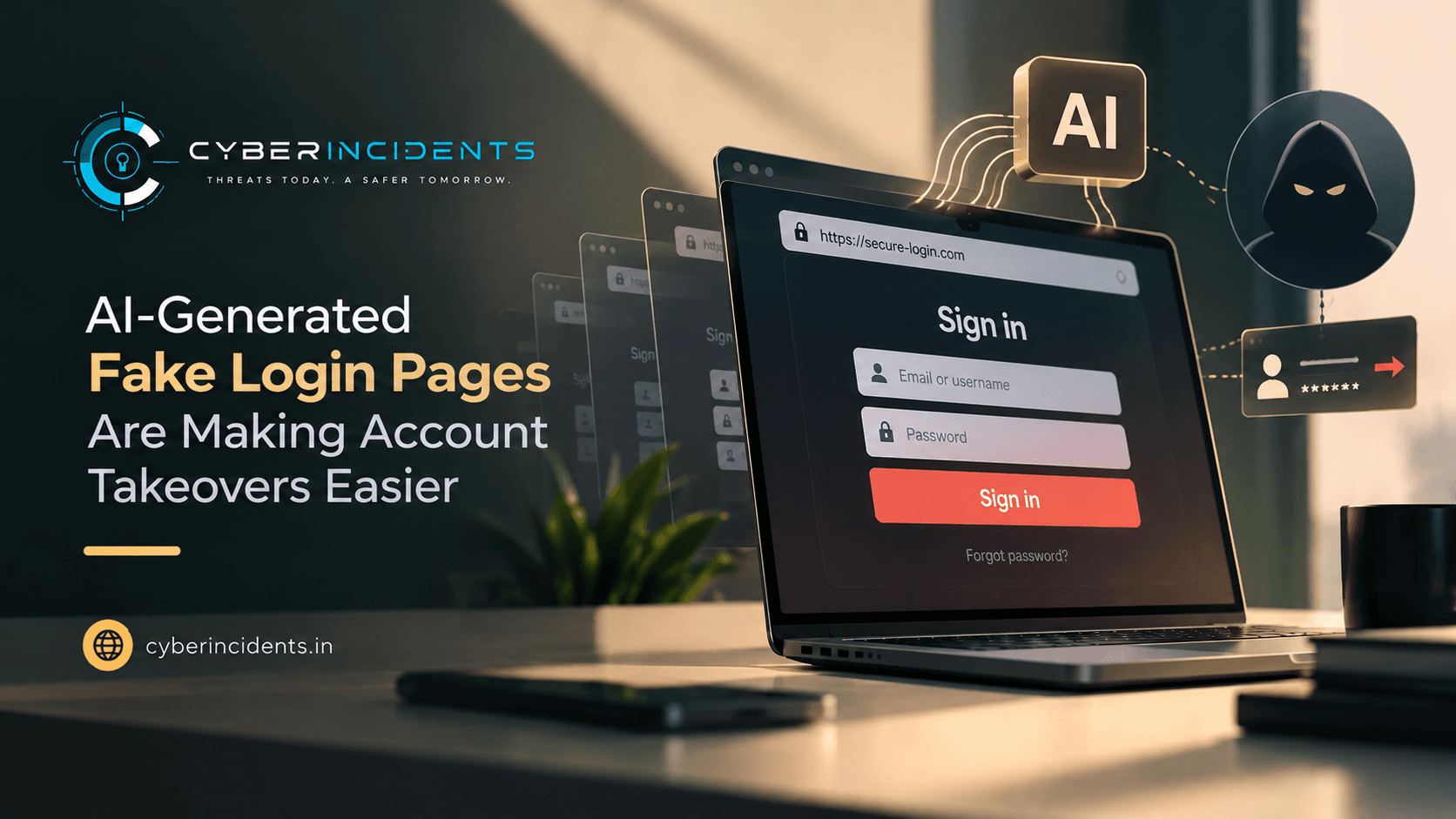
Generative AI is making it easier for attackers to create convincing fake login pages, impersonate trusted brands, and personalize phishing campaigns at scale. These pages can steal credentials, capture multi-factor authentication (MFA) codes, or facilitate adversary-in-the-middle (AiTM) attacks that expose authenticated session tokens.
Primary threat: Credential theft and account takeover.
Key techniques: Brand impersonation, lookalike domains, targeted phishing, MFA-code theft, and session hijacking.
Potential impact: Unauthorized access to corporate accounts, email, business applications, and privileged resources.
Key defensive priority: Adopt phishing-resistant authentication, strengthen browser protections, monitor identity and session activity, and establish rapid incident-response procedures.
The article cites the 2026 Verizon Data Breach Investigations Report (DBIR), which found that phishing accounted for 44% of the AI-assisted initial-access techniques examined.
Fake login pages have long been used to steal credentials, but generative AI lowers the effort required to create realistic imitations of legitimate authentication portals.
Attackers can reproduce familiar branding, logos, page layouts, and authentication prompts. They can also customize fraudulent pages and accompanying messages for particular organizations or employees, making phishing attempts more relevant and harder to recognize.
For example, an attacker could create a fake IT notification using an organization's branding and direct an employee to a counterfeit sign-in page. The page might closely resemble the company's normal authentication experience, encouraging the employee to enter their credentials.
Attackers can distribute these pages through email, text messages, collaboration platforms, and search advertisements. Lookalike domains with subtle spelling differences or additional characters can make the destination appear legitimate.
Although these techniques predate generative AI, automation makes it easier to create, customize, and scale phishing campaigns. This increases the volume of convincing lures defenders may need to investigate.
The consequences extend beyond the theft of usernames and passwords. Depending on how an attack is implemented, a fraudulent authentication page may capture MFA codes or facilitate the theft of authenticated sessions.
1. Credential harvesting
A victim enters a username and password into a counterfeit login page. The attacker captures the submitted credentials and may attempt to use them against the legitimate service.
2. MFA-code theft
Some phishing pages reproduce multi-step authentication workflows and solicit one-time verification codes. An attacker may attempt to use a captured code before it expires to complete authentication.
3. Adversary-in-the-Middle (AiTM) attacks
In an AiTM attack, a fraudulent website proxies authentication traffic between the victim and the legitimate service. The victim may complete a genuine authentication process while the attacker relays the interaction.
If successful, the attacker may obtain a session cookie or token that represents an already authenticated session. This can allow access without repeating the original password and MFA challenges, depending on the session's protections and validity.
4. Session hijacking and unauthorized access
Stolen session material may allow an attacker to impersonate the authenticated user and access resources available to that session. This can undermine authentication defenses that rely on MFA alone if the session itself is not adequately protected.
The risk is particularly significant for corporate identities because compromised accounts may expose internal communications, files, and business applications. Accounts with elevated privileges can present a greater risk because of the additional systems and data they can access.
Organizations commonly rely on email filtering, URL blocklists, website reputation services, and employee security awareness training. These controls remain useful, but each has limitations.
Newly registered domains: A recently created phishing domain may not yet have a negative reputation.
Short-lived websites: Fraudulent pages can be removed or replaced before detection systems identify them.
Lookalike URLs: Small spelling changes can be difficult to notice, especially when a page closely resembles a familiar service.
Multiple delivery channels: Links distributed through SMS, collaboration tools, or search advertisements may bypass email-centric controls.
Realistic authentication workflows: Familiar branding and prompts can make counterfeit pages convincing, even to experienced users.
HTTPS is not proof that a website is trustworthy. It generally protects the connection to the website, but a malicious website can also use HTTPS.
The central challenge is that phishing defenses must identify not only known malicious links but also newly created impersonation sites and suspicious authentication behaviour.
Phishing-resistant authentication
FIDO2 security keys and properly implemented passkeys use cryptographic authentication bound to the legitimate website's origin. This makes them substantially more resistant to credential phishing than passwords and manually entered one-time codes.
Browser-level phishing protection
Browser security controls can identify suspicious URLs, lookalike domains, and potential brand impersonation. Additional detection capabilities may warn users before credentials are submitted to a suspected phishing site.
Identity and session monitoring
Security teams should monitor unusual sign-ins, unfamiliar devices, unexpected authentication patterns, and suspicious session activity. Correlating these events with subsequent access to email, files, and business applications can help identify possible account compromise.
Least privilege and just-in-time access
Limiting standing administrative privileges reduces the potential impact of compromised accounts. Just-in-time elevation can further restrict the period during which elevated permissions are available.
Incident-response readiness
Organizations need clear procedures for reporting suspected phishing, investigating compromised identities, revoking sessions, resetting credentials when appropriate, and assessing unauthorized access to organizational data.
The source also highlights Keeper's AI-powered Phishing Protection, which uses on-device AI to identify suspicious websites and warn users before they enter credentials. This is one example of an additional defensive layer rather than a replacement for identity controls and established phishing defenses.
Review identity-provider logs for sign-ins that deviate from a user's normal activity.
Prioritize:
Sign-ins from unfamiliar devices or unexpected locations.
Repeated authentication attempts followed by a successful login.
Authentication activity inconsistent with the user's usual behaviour.
Unexpected access to email, files, or other sensitive business applications.
Suspicious activity shortly after a user reports interacting with a phishing link.
These are general investigative pivots. No single behaviour confirms an AI-generated phishing attack.
Use web proxy, DNS, secure web gateway, browser protection, and email security telemetry to identify suspicious destinations.
Investigate:
Domains resembling the organization's identity provider or commonly used business applications.
URLs with subtle spelling variations or unexpected additional characters.
Newly observed domains associated with login pages.
Redirect chains leading to unfamiliar authentication forms.
Repeated access to a suspicious destination across multiple employees.
Validate suspicious domains against organizational allowlists, known service providers, and threat-intelligence sources before classifying them as malicious.
Where email and web telemetry are available, correlate a reported or detected phishing click with identity and cloud audit events.
A useful investigation sequence is:
Identify the user and the suspicious URL.
Establish whether the URL was accessed and whether the user submitted credentials, if that telemetry is available.
Review subsequent authentication events and device context.
Examine mailbox, file-sharing, and application activity for suspicious access.
Determine whether the account created forwarding rules, sent unusual messages, or accessed resources unexpectedly.
Preserve relevant evidence and initiate containment if unauthorized access is suspected.
If a credential-phishing incident is suspected, do not limit the investigation to password resets.
Review available session and identity telemetry for anomalous access following the suspected exposure. Examine activity against Microsoft 365 or other enterprise applications, including unexpected email access, file downloads, or changes to account settings.
Where supported by the identity platform, investigate session revocation, token revocation, and reauthentication requirements. A successful password reset alone should not be assumed to invalidate every previously issued session.
Validate that phishing-resistant authentication is available for high-risk accounts, browser protection is enabled, and identity logs are retained for investigations.
Review whether the SOC can correlate email clicks, web access, authentication events, and subsequent cloud activity. Gaps between these data sources can delay detection of an account takeover.
Prioritize passkeys and FIDO2: Deploy phishing-resistant authentication, particularly for administrators and other high-impact accounts.
Inspect authentication destinations: Train users to verify the actual domain rather than relying on familiar branding or HTTPS indicators.
Strengthen web protection: Use browser and gateway controls to detect suspicious URLs, newly observed domains, and credential-harvesting pages.
Monitor identity activity continuously: Investigate unusual sign-ins and suspicious access to sensitive applications.
Reduce privileges: Apply least privilege and just-in-time elevation to limit the consequences of compromised identities.
Prepare for session compromise: Maintain procedures for session revocation, credential resets, account recovery, and investigation of unauthorized resource access.
Improve reporting: Make it easy for employees to report suspicious links and authentication prompts quickly.
Correlate security telemetry: Connect email, browser, endpoint, identity, and cloud audit events wherever possible.
The Hacker News — AI-Generated Fake Login Pages Are Making Account Takeovers Easier (October 27, 2026): https://thehackernews.com/2026/10/ai-generated-fake-login-pages-are.html
Verizon — 2026 Data Breach Investigations Report: https://www.verizon.com/business/resources/T1e0/reports/2026-dbir-data-breach-investigations-report.pdf
Keeper Security — What Is the Best Way to Prevent Session Hijacking?: https://www.keepersecurity.com/blog/2024/04/03/what-is-the-best-way-to-prevent-session-hijacking/
Keeper Security — Keeper Launches AI-Powered Phishing Protection to Warn Users Before Entering Credentials on Fake Sites: https://www.keepersecurity.com/blog/2026/10/22/keeper-launches-ai-powered-phishing-protection-to-warn-users-before-entering-credentials/
Continue reading
Cyber News
Vulnerability / Mobile Security
Cyber News
Category: Identity Security Secondary Categories: Email Security, Phishing, Cloud Security
Cyber News
Category: AI Security Secondary Categories: Supply Chain Attacks, Credential Theft, Prompt Injection
3 entries, most recent posts.
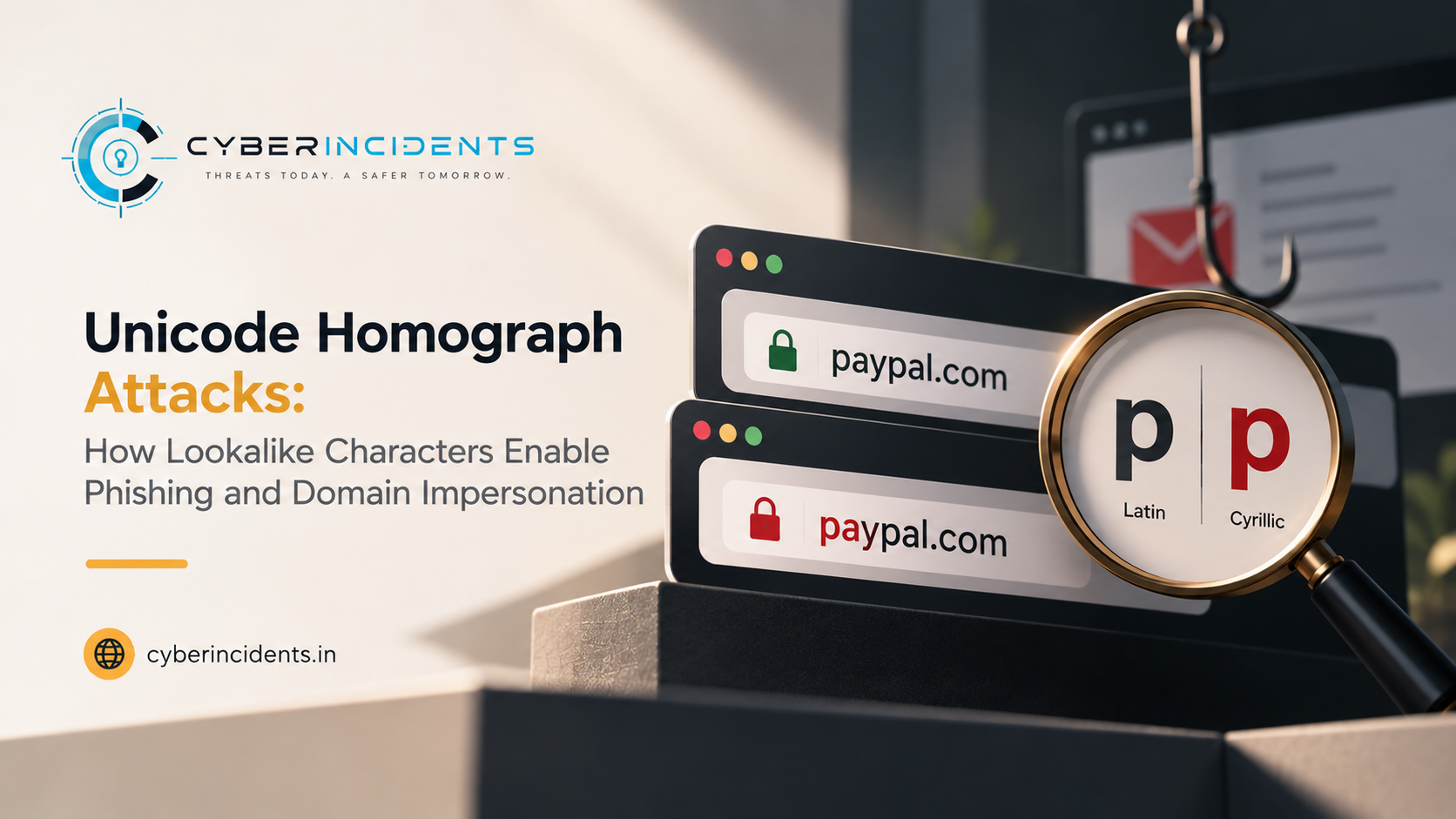
Homograph attacks
Vulnerability / Mobile Security
Agentic AI Security & Autonomous Attacks