What Is SIEM? A Beginner's Guide
Level: Beginner
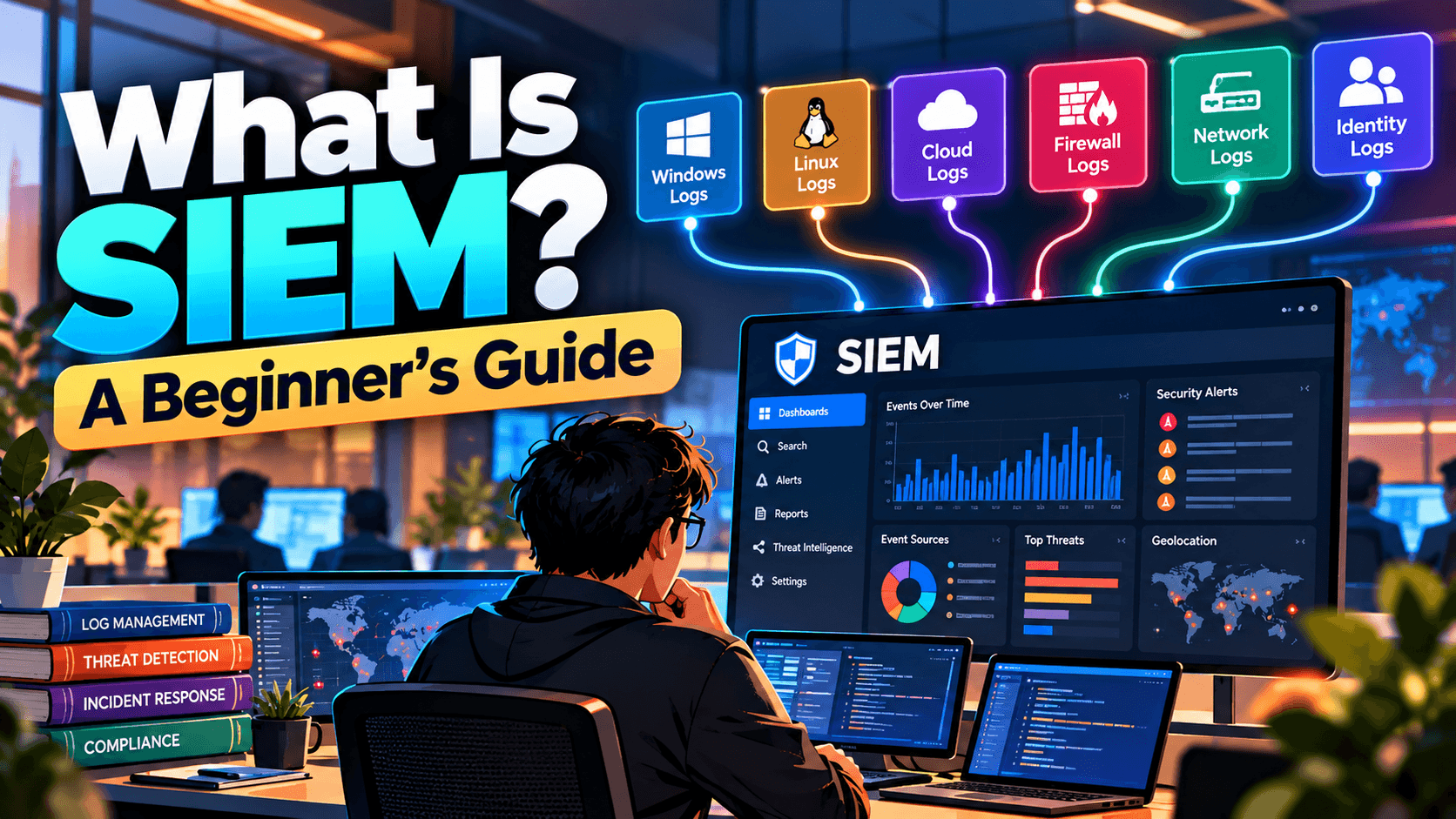
Modern organizations generate enormous amounts of security data every day. User logins, firewall connections, endpoint activity, cloud events, application logs, and authentication attempts can produce millions of events.
Trying to analyze all of this information manually is extremely difficult.
This is where SIEM (Security Information and Event Management) comes in.
A SIEM platform collects security data from different sources, analyzes and correlates the information, identifies suspicious activity, and helps security teams investigate potential threats.
What Is SIEM?
SIEM stands for Security Information and Event Management.
A SIEM is a security platform that provides centralized collection, analysis, correlation, detection, and investigation of security events from across an organization's environment.
In simple terms:
SIEM brings security data from different systems into one place and helps security teams identify suspicious activity.
A simplified workflow is:
Log Sources → Collection → Normalization → Correlation → Detection → Alert → Investigation
Why Do Organizations Need SIEM?
Organizations have many different technologies generating security events.
For example:
Windows servers
Linux servers
Firewalls
EDR platforms
Cloud platforms
Identity providers
Web applications
Email security systems
VPNs
Network devices
Databases
Without centralized monitoring, an analyst may need to check each system separately.
SIEM provides a central location where this information can be searched and correlated.
What Data Does a SIEM Collect?
A SIEM can collect many different types of security logs.
Endpoint Logs
Examples include:
Process creation
Malware detections
File activity
Authentication events
Security events
Network Logs
Examples include:
Firewall logs
IDS/IPS alerts
DNS queries
Network connections
VPN activity
Identity Logs
Examples include:
Successful logins
Failed logins
MFA events
Password changes
Privilege changes
Cloud Logs
Examples include:
Cloud authentication
API activity
IAM changes
Storage access
Cloud resource creation
Application Logs
These can contain:
Login activity
Application errors
API requests
Access attempts
Security events
How Does SIEM Work?
A typical SIEM workflow has several stages.
1. Data Collection
The SIEM receives logs and events from different sources.
Windows ───────┐ Firewall ──────┤ EDR ───────────┤ Cloud ─────────┼──→ SIEM Identity ──────┤ Applications ──┘2. Log Parsing and Normalization
Different systems produce logs in different formats.
For example:
Firewall → Network event Windows → Security event Cloud → API event EDR → Endpoint eventThe SIEM parses and normalizes these events so that analysts can search and correlate them more efficiently.
3. Correlation
One event by itself may not be suspicious.
However, multiple related events can reveal an attack.
For example:
Multiple Failed Logins ↓ Successful Login ↓ Privilege Change ↓ Suspicious Process ↓ Large Data TransferIndividually, each event may have a legitimate explanation.
Together, they could indicate a compromised account or broader attack.
4. Detection
SIEM platforms use detection rules, correlation rules, analytics, and other detection mechanisms to identify suspicious patterns.
For example:
More than 20 failed logins against multiple accounts from one source IP
could generate a potential password spraying alert.
Another detection could identify:
Successful login from an unusual location + privileged activity
and generate an alert for investigation.
5. Alert Generation
When a detection condition is met, the SIEM generates an alert.
An alert may contain:
Alert name
Severity
Timestamp
Source IP
Destination IP
Username
Hostname
Event details
Detection rule
Related events
The SOC analyst then investigates the alert.
SIEM in a SOC
SIEM is one of the core technologies used by many Security Operations Centers.
A simplified SOC workflow looks like:
SIEM → Alert → Triage → Investigation → Response → Closure
For example:
Step 1 — Alert
SIEM detects multiple failed logins.
Step 2 — Triage
The analyst determines whether the activity appears suspicious.
Step 3 — Investigation
The analyst checks:
Source IP
Username
Destination systems
Authentication history
User's normal behavior
Threat intelligence
Endpoint activity
Step 4 — Determine the Result
The activity may be classified as:
True Positive
or
False Positive
Step 5 — Response
If malicious, the SOC may escalate or initiate response actions such as:
Disabling an account
Blocking an IP
Isolating an endpoint
Resetting credentials
Blocking a malicious domain
Common SIEM Use Cases
SIEM platforms can support many security detection use cases.
Authentication Monitoring
Detect:
Brute-force attacks
Password spraying
Impossible travel
Suspicious logins
Privileged account activity
Malware Detection
Correlate endpoint detections with:
Network connections
User activity
Process execution
File activity
Data Exfiltration
Identify unusual:
Data transfers
Cloud storage access
Network connections
File downloads
Account Compromise
Correlate:
Suspicious Login → New Device → Privilege Change → Unusual Resource Access
Lateral Movement
Monitor authentication and network activity across multiple systems to identify unusual movement within an environment.
SIEM vs Log Management
These terms are related but not identical.
Log management primarily focuses on collecting, storing, searching, and managing logs.
SIEM adds security-focused capabilities such as:
Correlation
Detection
Alerting
Security analytics
Investigation
Threat detection
A SIEM therefore goes beyond simply storing logs.
SIEM vs EDR
SIEM and EDR serve different purposes but often work together.
SIEMEDRCentralizes data from many sourcesFocuses primarily on endpointsCorrelates events across systemsProvides detailed endpoint telemetryDetects broader security patternsDetects endpoint threatsUseful for enterprise-wide investigationsUseful for endpoint investigation and responseCan ingest EDR alerts and telemetryCan send events to a SIEMFor example:
SIEM: Detects suspicious authentication across multiple systems.
EDR: Shows that a suspicious PowerShell process executed on the affected endpoint.
Together, they provide a stronger investigation picture.
Popular SIEM Platforms
Examples of widely used SIEM platforms include:
Microsoft Sentinel
Splunk Enterprise Security
IBM QRadar
Elastic Security
Google Security Operations
Different platforms use different architectures, query languages, integrations, and detection capabilities, but the core goal is similar: centralize security data and help detect and investigate threats.
What Does a SOC Analyst Do With a SIEM?
A SOC analyst may use a SIEM to:
Monitor security alerts
Search logs
Investigate suspicious activity
Correlate events
Identify indicators of compromise
Validate True Positive or False Positive
Build incident timelines
Search historical activity
Escalate confirmed incidents
Recommend detection improvements
For example, an analyst investigating a suspicious login might search:
User ↓ Authentication Logs ↓ Source IP ↓ Device ↓ Endpoint Activity ↓ Cloud/Application Activity ↓ Threat IntelligenceThis allows the analyst to determine whether the login was legitimate or potentially malicious.
Challenges of SIEM
SIEM provides powerful visibility, but it also comes with challenges.
High Log Volume
Large organizations can generate enormous amounts of data.
False Positives
Poorly tuned detection rules can generate excessive alerts.
Data Quality
Missing or incorrectly parsed logs can reduce detection visibility.
Storage Costs
Keeping large volumes of logs can become expensive.
Detection Complexity
Creating effective detection rules requires knowledge of the environment and attacker behavior.
Alert Fatigue
Too many low-quality alerts can overwhelm SOC analysts.
This is why SIEM tuning and detection engineering are important parts of security operations.
SIEM and MITRE ATT&CK
SIEM detections can be mapped to the MITRE ATT&CK framework to understand which attacker techniques are covered.
For example:
PowerShell activity → Execution
Credential dumping → Credential Access
Scheduled task creation → Persistence
Remote service activity → Lateral Movement
Mapping detections to ATT&CK can help organizations identify detection coverage and security gaps.
Simple SIEM Example
Imagine an organization has these events:
09:01 — 15 failed logins 09:04 — Successful login 09:06 — New privileged group membership 09:08 — PowerShell execution 09:15 — Large outbound data transferA SIEM can correlate these events and generate a high-priority alert.
Instead of investigating five unrelated events, the SOC analyst receives a connected security story.
Key Takeaway
A SIEM is much more than a place to store logs.
It acts as a central security monitoring and detection platform, bringing together data from endpoints, networks, identities, cloud services, applications, and other security technologies.
The basic concept is:
Collect → Normalize → Correlate → Detect → Alert → Investigate → Respond
For a SOC analyst, understanding how to search, correlate, investigate, and interpret SIEM data is one of the most important foundational skills in security operations.
Latest posts
3 entries, most recent posts.
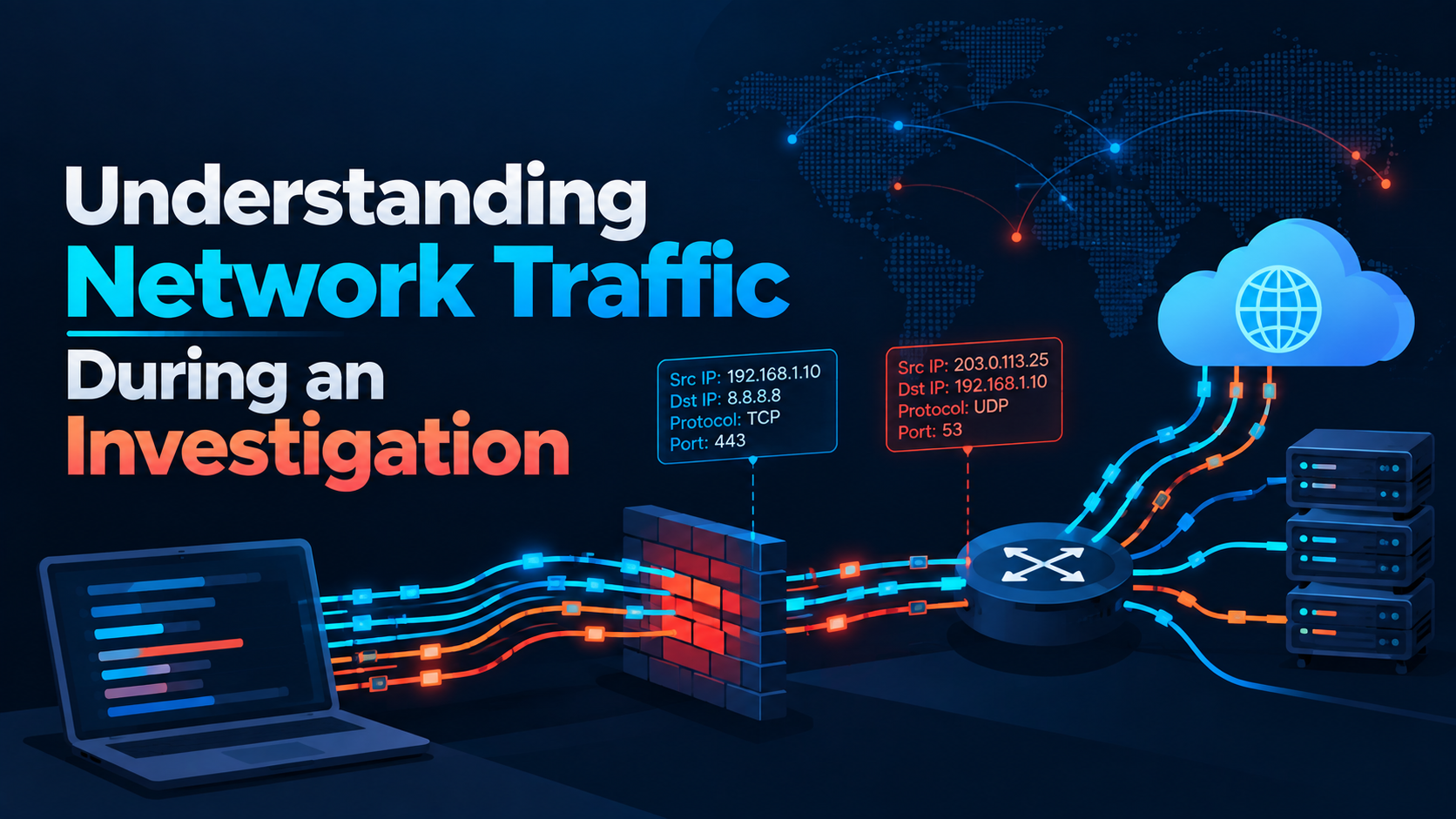
Understanding Network Traffic During an Investigation
Level: Intermediate
Fake ChatGPT, Gemini, and Claude Ad Portals Capture Credentials and MFA Codes
Category: Phishing / Artificial Intelligence

Citrix patches NetScaler SAML zero-day exploited in attacks
Severity: High CVSS: 8.7 Affected Products: Citrix NetScaler ADC & NetScaler Gateway Attack Type: Denial of Service / Possible Remote Code Execution