Guides & Learning
SOC Analyst Interview
Part 1
10 min read


L1 Interview
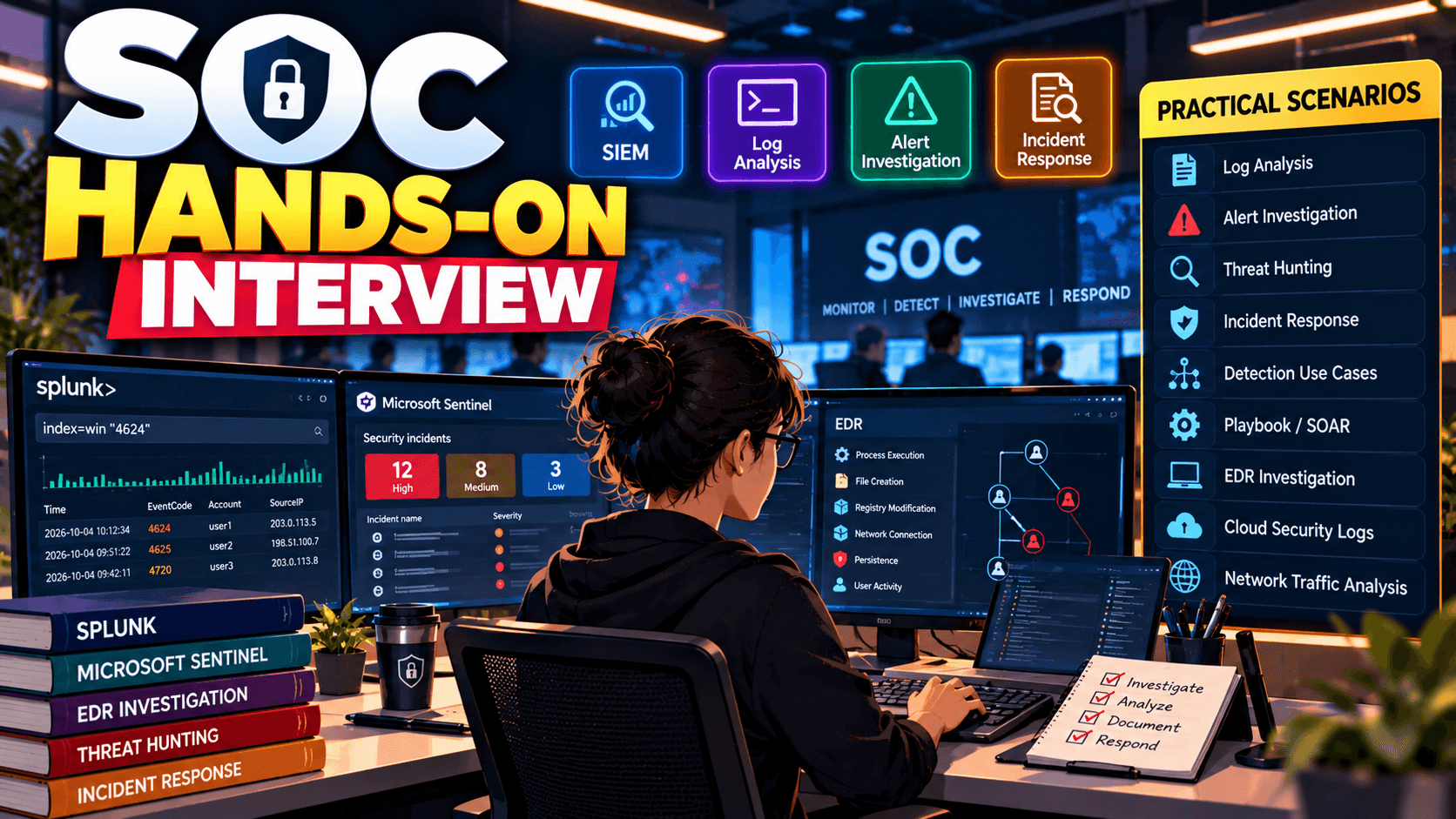
"Multiple Failed Logins Detected"
User: john.smith
Source IP: 185.x.x.x
25 failed attempts in 5 minutes
What will you do?
Answer:
I would first validate the alert and investigate:
If multiple accounts are targeted, I would consider password spraying. If one account is repeatedly targeted with many passwords, I would consider brute force.
Answer:
I would suspect password spraying.
I would search the SIEM for:
Source IP → Multiple usernames → Failed authenticationThen I would check whether any of those accounts had a successful login from the same IP.
If there is a successful authentication, I would investigate that account immediately for possible compromise and escalate according to the SOP.
What does this indicate?
Answer:
It could indicate a brute-force attack or password spraying followed by successful authentication.
However, I would not immediately declare it malicious. I would investigate the source IP, account, logon type, device, time, user behavior and subsequent activity before determining TP or FP.
Answer:
I would investigate it as a potential impossible-travel or account-compromise alert.
I would check:
If one IP belongs to a corporate VPN, the alert may be legitimate.
What do you think?
Answer:
This is highly suspicious because a Microsoft Word process spawning PowerShell and then executing another command interpreter can indicate malicious document execution.
I would investigate:
I would map the activity to relevant MITRE ATT&CK techniques and escalate if confirmed malicious.
What would you do?
Answer:
The -enc or -EncodedCommand parameter means the PowerShell command is Base64 encoded.
I would decode it in a safe analysis environment and investigate what the command does.
I would also check:
Encoded PowerShell is not automatically malicious, but it is a strong indicator requiring investigation.
Answer:
I would check:
Answer:
Not necessarily.
I would not rely only on the detection count. I would examine:
A low detection score doesn't automatically mean the file is safe.
Answer:
No.
Quarantine only indicates that the detected file was contained. I would still investigate whether the malware executed before quarantine, whether persistence was established, whether additional files were created, and whether there was network communication.
I would also search for the same hash or IOC across the environment.
Is this malicious?
Answer:
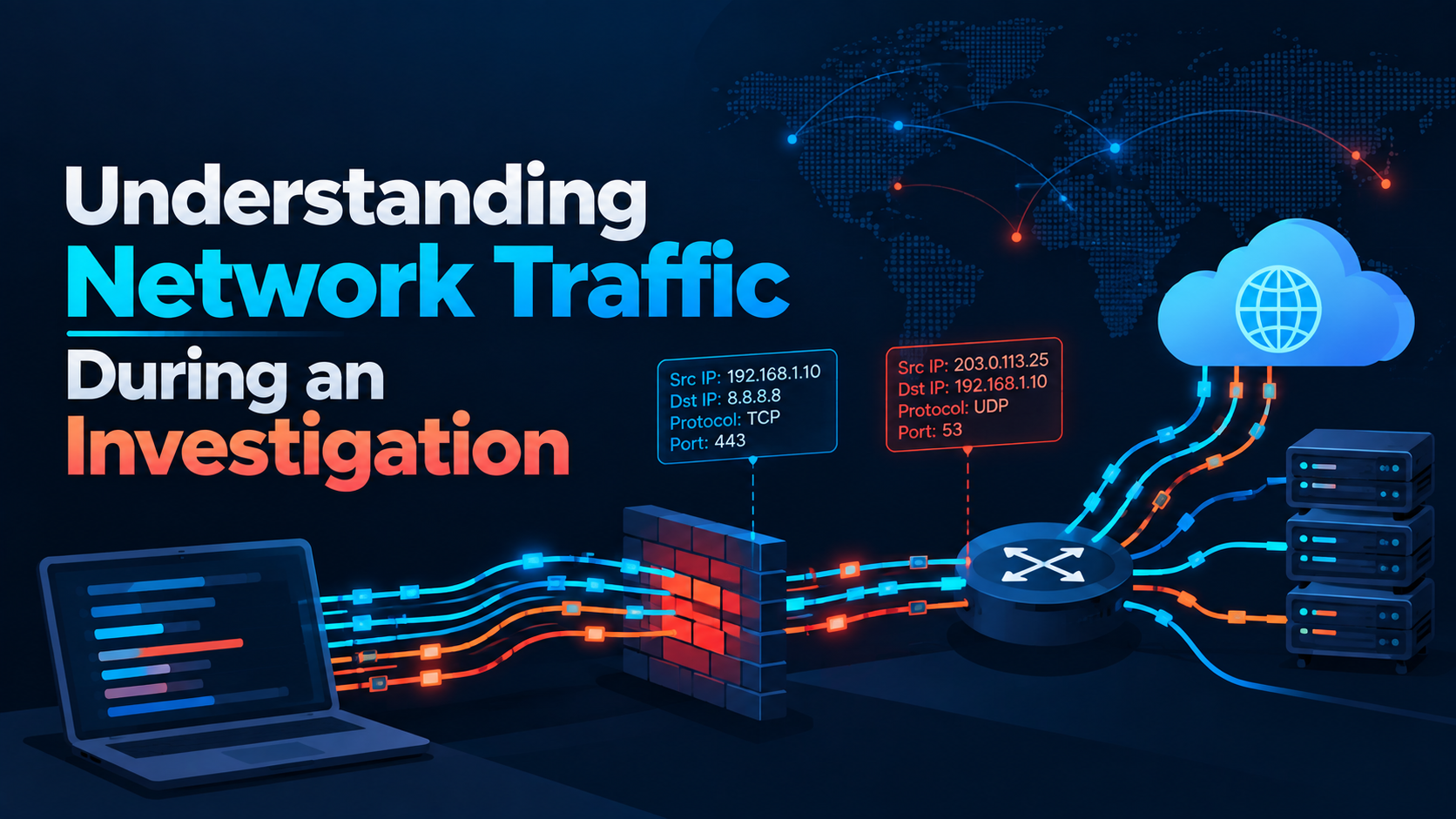
Not based on the port alone.
Port 443 normally represents HTTPS, so I would investigate:
A malicious C2 server can use port 443 to blend into normal HTTPS traffic.
Answer:
I would search the IP across relevant indexes and sourcetypes.
For example:
index=* "185.x.x.x"Then narrow it down based on:
Source IP Destination IP Username Hostname Timestamp Action URL ProcessI would determine whether the IP appears in authentication, firewall, proxy, DNS, EDR or application logs.
Answer:
Conceptually, I would search authentication logs for the source IP and extract the usernames.
For example:
index=* src_ip="185.x.x.x" | stats count by userThen I would investigate the accounts with successful authentication separately.
Answer:
I would search the IOC across:
SIEM + EDR + DNS + Proxy + Firewall + Email + Cloud logs
For example, for a malicious IP:
IP → DNS activity IP → Firewall connections IP → Proxy activity IP → EDR network connections IP → Authentication logsThe objective is to determine scope and impact, not just confirm that the IOC exists.
Answer:
I would search the hash across the entire environment.
If it appears on multiple endpoints, I would determine:
This helps determine the scope of the incident.
Answer:
4720 indicates user account creation.
I would check:
Answer:
Event ID 1102 indicates the Windows Security audit log was cleared.
I would investigate:
Because attackers can clear logs to remove evidence, I would treat unexpected 1102 events seriously.
What would you investigate?
Answer:
I would investigate the command line and purpose of certutil.exe.
certutil is a legitimate Windows utility but can potentially be abused for downloading or decoding files.
I would check:
Answer:
My process would be:
Email → Sender → Header → URL → Attachment → User activity → Endpoint → IOC search → Scope → Containment → Escalation
I would determine whether the user clicked the URL or opened the attachment because that changes the severity and investigation scope.
Answer:
I would determine:
I would identify the affected users and coordinate removal/blocking of the malicious email, URL, domain or attachment according to the organization's procedures.
Answer:
I would check:
Then I would determine whether the AWS resource or credentials may be compromised.
Answer:
I would investigate:
If unauthorized activity is confirmed, I would follow the organization's credential containment procedure.
Question: What concerns you?
Answer:
The execution chain is suspicious because PowerShell launches rundll32.exe, which executes a DLL. rundll32.exe is a legitimate Windows utility but can be abused for execution.
I would investigate the command line, DLL location, hash, signature, parent process, network activity and persistence.
Answer:
I would look for:
A periodic connection pattern from an unusual process to a suspicious external destination could indicate C2 activity.
Answer:
No. User confirmation is useful but not sufficient by itself.
I would validate the claim against logs, endpoint telemetry, timestamps, source IP, command line and expected administrative activity.
If the evidence confirms legitimate activity, I can classify it as a false positive according to the organization's process.
Answer:
I would prioritize rather than process them randomly.
My priority would be:
Critical severity → Confirmed malicious activity → Critical assets → Privileged accounts → Active compromise → High-confidence detections → Lower-risk alerts
I would also follow the organization's escalation and SLA procedures and ensure that high-risk cases are handed over properly.
This is where many candidates struggle.
Your answer should follow this structure:
1. Understand the alert — What triggered it?
2. Identify entities — User, host, IP, domain, hash, process.
3. Validate — Is the activity expected?
4. Enrich — Check reputation and threat intelligence.
5. Correlate — Search SIEM/EDR and related logs.
6. Determine scope — Is it only one host/user or multiple?
7. Determine TP/FP — Based on evidence.
8. Contain/Escalate — Follow the SOP and permissions.
9. Document — Record evidence, timeline, actions and conclusion.
3 entries, most recent posts.
Level: Intermediate
Category: Phishing / Artificial Intelligence

Severity: High CVSS: 8.7 Affected Products: Citrix NetScaler ADC & NetScaler Gateway Attack Type: Denial of Service / Possible Remote Code Execution