Mobile & IoT Attacks
Level: Beginner

Smartphones, tablets, smart TVs, cameras, watches, routers, sensors, and other connected devices have become part of everyday life. These devices often store sensitive information or connect to important networks, making them attractive targets for attackers.
Mobile and IoT attacks are cyberattacks that target mobile devices, mobile applications, Internet of Things (IoT) devices, their networks, or the services that manage them.
What Are IoT Devices?
Internet of Things (IoT) refers to physical devices that connect to networks or the internet to collect, process, or exchange data.
Examples include:
Smart cameras
Smart TVs
Smart watches
Home routers
Smart speakers
Industrial sensors
Medical devices
Smart appliances
Connected vehicles
Many IoT devices operate continuously and may have limited security capabilities, making proper protection important.
Common Mobile & IoT Attacks
1. Mobile Malware
Attackers may distribute malicious applications that contain malware.
Once installed, malicious software may attempt to:
Steal credentials
Access personal information
Monitor activity
Send unauthorized messages
Collect sensitive data
Installing applications only from trusted sources and reviewing application permissions can reduce the risk.
2. Spyware
Spyware is designed to secretly monitor a device or collect information from it.
Depending on its capabilities, spyware may target:
Messages
Contacts
Location information
Files
Microphone or camera access
Sophisticated spyware can be particularly difficult to detect.
3. Malicious Mobile Applications
Not every malicious application looks obviously dangerous.
Attackers may create applications that appear legitimate but secretly perform unwanted activities after installation.
Users should carefully check the application's source, developer, permissions, and reputation before installing it.
4. Weak or Default Credentials
Many IoT devices have historically been deployed with weak or default usernames and passwords.
If these credentials are never changed, attackers may attempt to access the device using publicly known or commonly used credentials.
Default credentials → Unauthorized access → Device compromise
5. IoT Botnets
Compromised IoT devices can be grouped together into botnets.
Attackers may use these devices to perform activities such as:
DDoS attacks
Automated scanning
Malicious traffic generation
Other coordinated attacks
The device owner may not even realize that their device has been compromised.
6. Vulnerable Firmware
IoT devices rely on firmware to operate.
If firmware contains security vulnerabilities and the manufacturer does not provide an update—or the owner fails to apply available updates—the device may remain exposed.
7. Insecure Mobile Applications
Mobile applications can contain weaknesses in areas such as:
Authentication
Authorization
Data storage
API communication
Session management
Cryptographic implementation
An attacker may exploit these weaknesses to access information or perform unauthorized actions.
8. Network Attacks Against IoT Devices
IoT devices communicate over networks and can become targets for network-based attacks.
Attackers may attempt to discover exposed devices, exploit vulnerable services, or intercept insecure communications.
A compromised IoT device can also potentially provide a foothold into the network to which it is connected.
Why Mobile & IoT Attacks Are Dangerous
Mobile and IoT devices can contain or provide access to sensitive information.
A compromised device could potentially expose:
Personal information
Credentials
Location data
Photos and files
Business information
Network access
Device activity
For organizations, a vulnerable IoT device may become an entry point into a larger corporate environment.
How Organizations and Users Can Detect Attacks
Warning signs can include:
Unexpected battery or resource usage
Unknown applications
Unusual network connections
Unexpected device behavior
Unknown accounts or configuration changes
Repeated authentication failures
Unusual data usage
Devices communicating with suspicious destinations
Unexpected firmware or software changes
Organizations can use mobile device management (MDM), endpoint security, network monitoring, IoT security platforms, and centralized logging to improve visibility.
How to Protect Mobile & IoT Devices
Good security practices include:
Change default passwords
Use strong authentication
Enable MFA where available
Keep operating systems and firmware updated
Install applications from trusted sources
Review application permissions
Disable unnecessary services
Use secure network connections
Segment IoT devices from critical systems
Monitor unusual network activity
Replace unsupported devices when necessary
A Simple IoT Attack Example
Imagine a smart camera connected to an organization's network.
Normally:
Camera → Network → Authorized service
If the camera uses a default password and an attacker obtains access:
Weak Credentials → Device Compromise → Network Access → Further Attack
This demonstrates why even a seemingly simple connected device can become a security risk.
Mobile & IoT Attack Chain
A simplified attack may look like:
Vulnerable Device → Initial Access → Device Compromise → Data Access or Network Access → Impact
The exact attack path depends on the device, application, and security controls in place.
Key Takeaway
Mobile and IoT security is not just about protecting the device itself. It is also about protecting the data, applications, accounts, networks, and services connected to that device.
As more everyday objects become connected, securing these devices becomes an increasingly important part of cybersecurity.
In simple terms:
Secure the device → Secure the application → Secure the connection → Monitor the activity
Latest posts
3 entries, most recent posts.
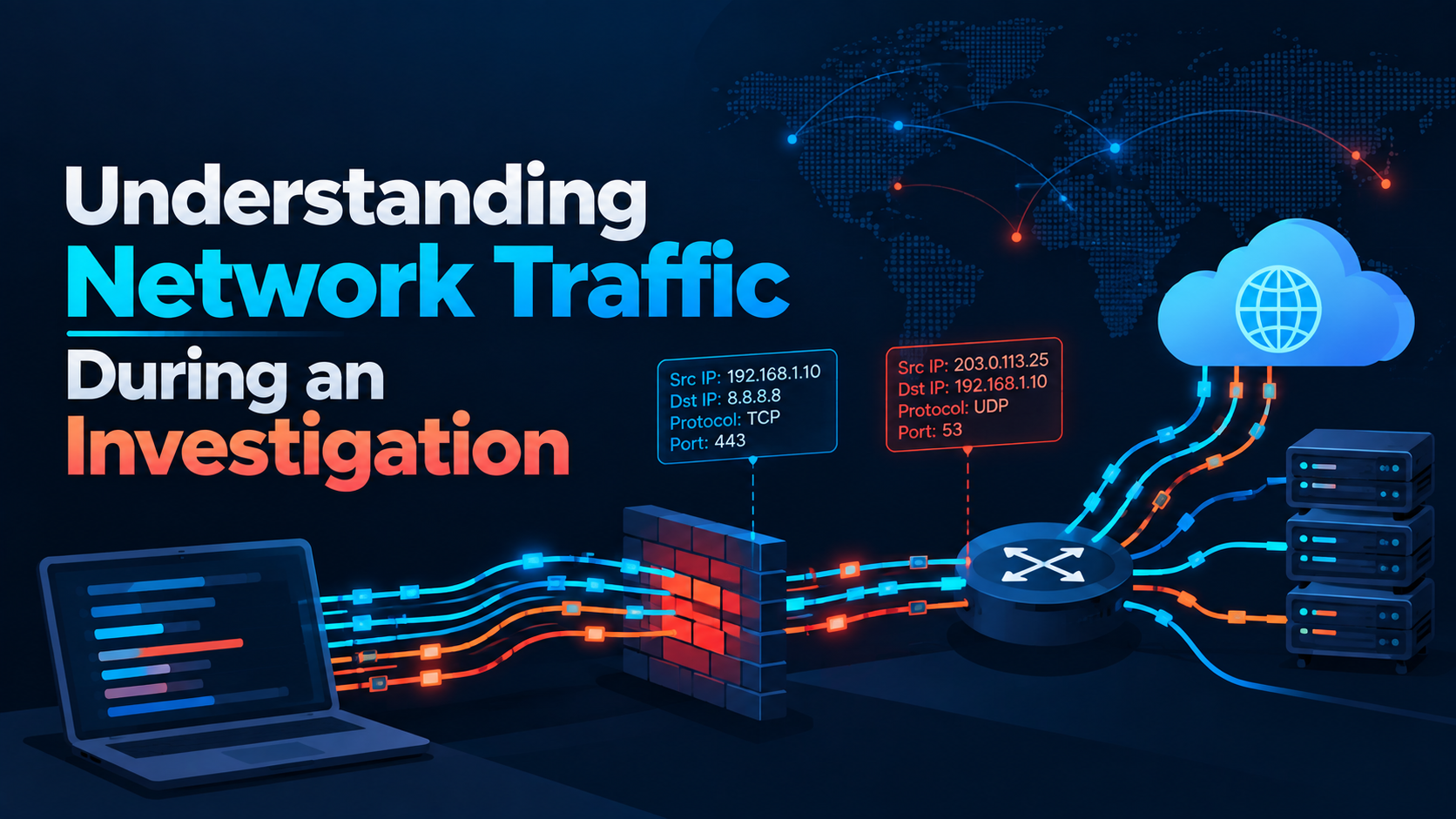
Understanding Network Traffic During an Investigation
Level: Intermediate
Fake ChatGPT, Gemini, and Claude Ad Portals Capture Credentials and MFA Codes
Category: Phishing / Artificial Intelligence

Citrix patches NetScaler SAML zero-day exploited in attacks
Severity: High CVSS: 8.7 Affected Products: Citrix NetScaler ADC & NetScaler Gateway Attack Type: Denial of Service / Possible Remote Code Execution