1. When Curiosity Becomes a Security Risk
Imagine an employee arriving at the office and finding a USB drive in the car park. A label on it reads “Confidential — Salary Information.”
Curious about its contents, the employee connects it to a work computer.
The drive may contain malicious files designed to execute when opened, or it may encourage the employee to launch a disguised application. If the employee runs the malicious content, the device could become infected or provide an attacker with an opportunity to access corporate resources.
The attack began without a suspicious email, an unusual phone call, or a direct attempt to exploit a network service.
It began with curiosity.
This is the central idea behind baiting: an attacker creates an attractive opportunity and relies on the victim to take an action that exposes them to risk.
2. What Is a Baiting Attack?
A baiting attack is a form of social engineering in which an attacker offers something appealing to persuade a target to perform an unsafe action.
The bait might be physical, such as a USB drive, or digital, such as a free application, game, document, or media download.
The objective varies by campaign. An attacker may attempt to install malware, steal credentials, gain unauthorised access, or persuade a victim to disclose sensitive information.
Baiting commonly exploits three human tendencies:
Curiosity: Wanting to discover what an unknown file or device contains.
Desire for value: Looking for free software, discounts, games, or premium content.
Trust and convenience: Assuming that a familiar-looking application or useful document is safe.
Baiting overlaps with other social engineering techniques, including phishing and malware delivery. The defining feature is the attractive lure used to persuade the victim to act.
3. Malicious USB Drives: The Physical Bait
Malicious USB drives are one of the best-known examples of baiting.
An attacker may leave a USB drive in a public location, place it where employees are likely to discover it, or distribute it under the appearance of a legitimate promotional device.
The attacker relies on the possibility that someone will connect the device to a computer to identify its owner or inspect its contents.
How the attack can unfold
Stage 1: The bait is planted. An unfamiliar USB drive is left in an office, car park, conference venue, or other location.
Stage 2: Someone discovers it. A person becomes curious about the contents or assumes the device belongs to a colleague.
Stage 3: The device is connected. The victim inserts the drive into a personal or corporate computer.
Stage 4: The victim interacts with its contents. The user may open a document, launch an executable, or follow instructions designed to trigger malicious activity.
Stage 5: The attack progresses. Depending on the device and malware involved, the result could include malware execution, credential theft, or further compromise.
Connecting an unknown USB drive does not automatically mean that malware will execute. The outcome depends on the device's capabilities, the operating system, security controls, and any actions taken by the user. Some specialised malicious USB devices can also impersonate other types of peripherals.
How organisations can defend against malicious USBs
Prohibit the use of unknown or unauthorised removable media.
Apply device-control policies to restrict USB storage where appropriate.
Use endpoint protection and application controls.
Disable unnecessary automatic execution features.
Train employees to report found devices rather than connecting them.
Establish an approved process for handling and analysing suspicious media.
4. Fake Downloads: The Digital Bait
Digital baiting uses attractive downloads to persuade users to install or execute malicious content.
An attacker may advertise a free application, a cracked software package, a game modification, a document template, or a media file. The download page may imitate a legitimate website or use branding that makes the software appear trustworthy.
The user believes they are obtaining something useful. Instead, they may download an executable containing malware or a deceptive installer that introduces unwanted software.
Common examples
Fake software installers: A download page claims to offer a popular application but provides a malicious installer.
Cracked software: A website promises a free version of paid software and encourages users to disable security protections or run an unknown executable.
Fake document downloads: A supposed report, invoice, or business document is delivered in a format that encourages the user to execute malicious content.
Game cheats and modifications: A download advertised as a cheat, modification, or performance improvement contains an unwanted or malicious program.
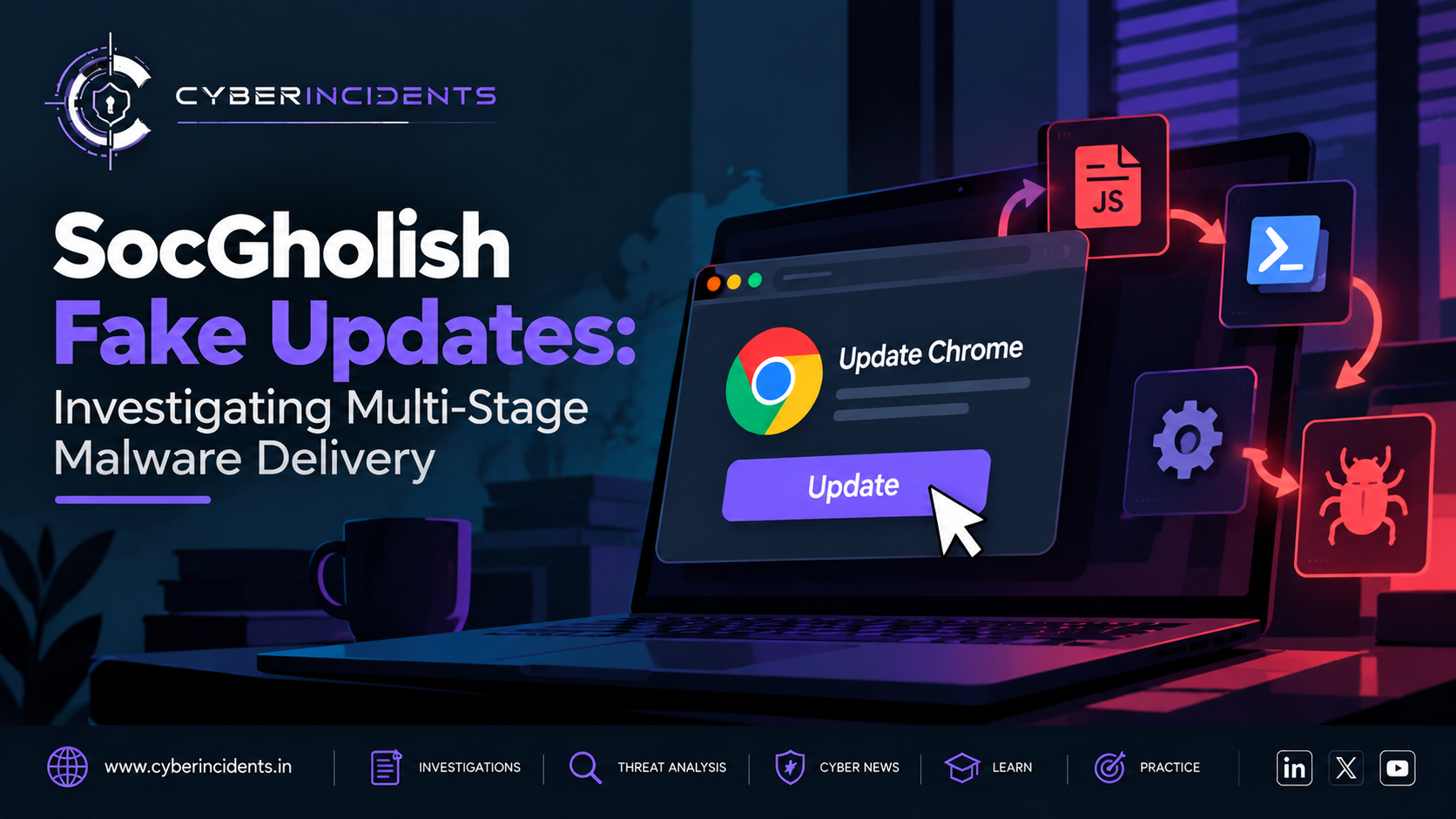
Fake browser or system updates: A website claims that the user's browser or computer requires an urgent update and provides a fraudulent installer.
The attack chain
The attacker creates or promotes an appealing download.
The victim visits the page and downloads the file.
The victim executes the installer or opens the downloaded content.
Security controls may detect suspicious behaviour, or the program may begin its malicious activity.
Depending on the payload, the attacker may attempt to steal information, establish persistence, or access additional resources.
Not every suspicious download contains malware, and not every malicious download immediately compromises a system. Investigation must establish what was downloaded, whether it was executed, and what happened afterward.
5. Baiting vs Phishing: What Is the Difference?
Baiting and phishing are related social engineering techniques, but they are not identical.
FeatureBaitingPhishingPrimary lureAn appealing item, offer, or opportunityA deceptive message or communicationCommon examplesUnknown USB drives, fake free software, fraudulent downloadsFake login alerts, password-reset messages, impersonated emailsPsychological triggerCuriosity, reward, or convenienceTrust, urgency, fear, or authorityTypical deliveryPhysical media, websites, downloads, or offersEmail, SMS, messaging platforms, or other communicationsMain defensive focusRemovable-media controls and trusted downloadsEmail security, sender verification, URL analysis, and identity protection
The techniques can overlap. For example, a phishing email may direct a victim to a fake software download. In that case, phishing may deliver the lure while baiting describes the attractive offer used to encourage the download.
6. Investigating a Baiting Incident in a SOC
When a suspicious USB device or malicious download is reported, the SOC must determine whether the user interacted with it, whether code executed, and whether the activity led to compromise.
Step 1: Establish what happened
Interview the reporting employee and record the approximate time, affected device, location, and actions taken.
Determine whether the user connected a USB drive, opened a file, ran an installer, entered credentials, or approved a security prompt.
Avoid assuming that infection occurred merely because a device was connected or a file was downloaded.
Step 2: Identify the device or downloaded file
For removable media, record available device identifiers, manufacturer information, serial numbers, and connection timestamps.
For downloads, collect the filename, file path, file hash, source URL, download time, and digital-signature information where available.
Preserve the original evidence according to organisational procedures.
Step 3: Review endpoint telemetry
Use EDR and operating system logs to establish what happened after the device was connected or the file was downloaded.
Look for:
Unexpected process execution.
Suspicious child processes launched by installers or document applications.
Unusual script execution.
Newly created files or persistence mechanisms.
Unexpected outbound network connections.
Security controls being disabled or modified.
Correlate these events with the user's reported actions and the incident timeline.
Step 4: Analyse the file safely
Calculate file hashes and check them against trusted threat-intelligence sources.
Where appropriate, submit the file to an approved malware-analysis environment or sandbox.
Review the results alongside endpoint and network evidence. A clean reputation result does not guarantee that a file is safe, especially when it is new or has limited detection coverage.
Step 5: Investigate potential compromise
If suspicious code executed, review authentication records, endpoint alerts, DNS requests, network connections, and changes to sensitive files.
Determine whether there is evidence of credential theft, persistence, lateral movement, or data access.
Step 6: Contain and recover
If the device is confirmed or strongly suspected to be compromised, follow incident response procedures to isolate the endpoint where appropriate, block confirmed malicious indicators, and protect affected accounts.
Preserve forensic evidence, remove the malicious content, address the entry point, and restore the system if necessary.
Step 7: Document the findings
Record the initial event, affected assets, evidence collected, investigation timeline, scope, containment actions, and preventive recommendations.
Use the findings to improve removable-media policies, software download controls, endpoint detection, and employee awareness.
7. Indicators and Evidence to Look For
Baiting has no single universal indicator. Investigators should correlate evidence from multiple sources.
Evidence sourceInvestigation focusUSB device logsUnauthorised device connections and device identifiersEndpoint telemetryProcesses executed after a device connection or downloadFile-system recordsNewly created executables, scripts, and suspicious filesBrowser and proxy logsDownloads from suspicious or newly encountered domainsDNS and network logsUnexpected connections following file executionIdentity logsUnusual sign-ins or account activity after suspected compromiseAntivirus and EDR alertsMalware detections, suspicious behaviour, and blocked execution
A newly connected USB device or an unfamiliar download is not proof of an attack. The strongest findings link the user's actions to suspicious execution or other evidence of malicious activity.
8. MITRE ATT&CK Mapping
The following MITRE ATT&CK techniques may be relevant when the corresponding behaviour is observed. Not every baiting incident involves all of them.
TechniqueIDRelevanceReplication Through Removable MediaT1091Malware spreading through removable mediaUser Execution: Malicious FileT1204.002A user executing a malicious fileDrive-by CompromiseT1189A web visit leading to compromise under the conditions described by the techniqueIngress Tool TransferT1105Transferring tools or files into a compromised environmentCommand and Scripting InterpreterT1059Malicious scripts or commands executed on a system
These mappings describe possible behaviours rather than proving that a particular incident involved a specific technique.
9. How Organisations Can Prevent Baiting Attacks
Effective protection requires controls that reduce the likelihood of unsafe actions and limit the damage if one occurs.
Restrict removable media. Apply device-control policies and allow only authorised storage devices where business requirements permit.
Use trusted download sources. Obtain software from official vendor websites or approved organisational repositories. Avoid cracked applications and unknown installers.
Deploy endpoint protection. Use EDR, antivirus, application control, and appropriate execution restrictions to prevent or detect malicious activity.
Enforce least privilege. Employees should not routinely use administrator accounts for everyday work. This can reduce the impact of malicious execution.
Filter web downloads. Use secure web gateways, URL filtering, reputation checks, and sandboxing where appropriate.
Keep systems updated. Patch operating systems, browsers, and applications to reduce exposure to known vulnerabilities.
Educate employees. Explain why unknown USB drives, free software offers, and unexpected downloads can be dangerous. Make reporting suspicious items easy and non-punitive.
Prepare an incident response process. Define how employees should report suspicious media, how devices should be handled, and how potentially compromised endpoints should be investigated.
10. Lessons for Modern Security Teams
Baiting demonstrates that security incidents do not always begin with an attacker exploiting a network vulnerability. Sometimes the first step is a user making an understandable but unsafe decision.
Technical controls remain essential, but they work best when supported by clear procedures and a security-aware workforce.
For SOC analysts, the key is to distinguish exposure from execution and execution from confirmed compromise. Connecting a USB drive, downloading a file, launching a suspicious program, and losing control of an account are different stages that require different levels of investigation.
For security leaders, baiting highlights the value of layered defence: control which devices can connect, restrict what applications can run, monitor suspicious behaviour, and ensure employees know how to report unexpected devices or offers.
Conclusion
Baiting attacks exploit curiosity, convenience, and the promise of something valuable. Whether the lure is an unknown USB drive or a fake software download, the objective is to persuade a person to take an action that creates a security risk.
The most effective defence combines removable-media restrictions, trusted software sources, endpoint monitoring, least privilege, and employee awareness.
The key lesson: If an unfamiliar device or download offers something tempting, do not assume it is safe. Verify its source, follow approved procedures, and report suspicious items before interacting with them.
Further Reading
MITRE ATT&CK — techniques related to removable media and user execution.
CISA — guidance on malware prevention, phishing, and endpoint security.
NIST — security awareness, access control, and incident response guidance.