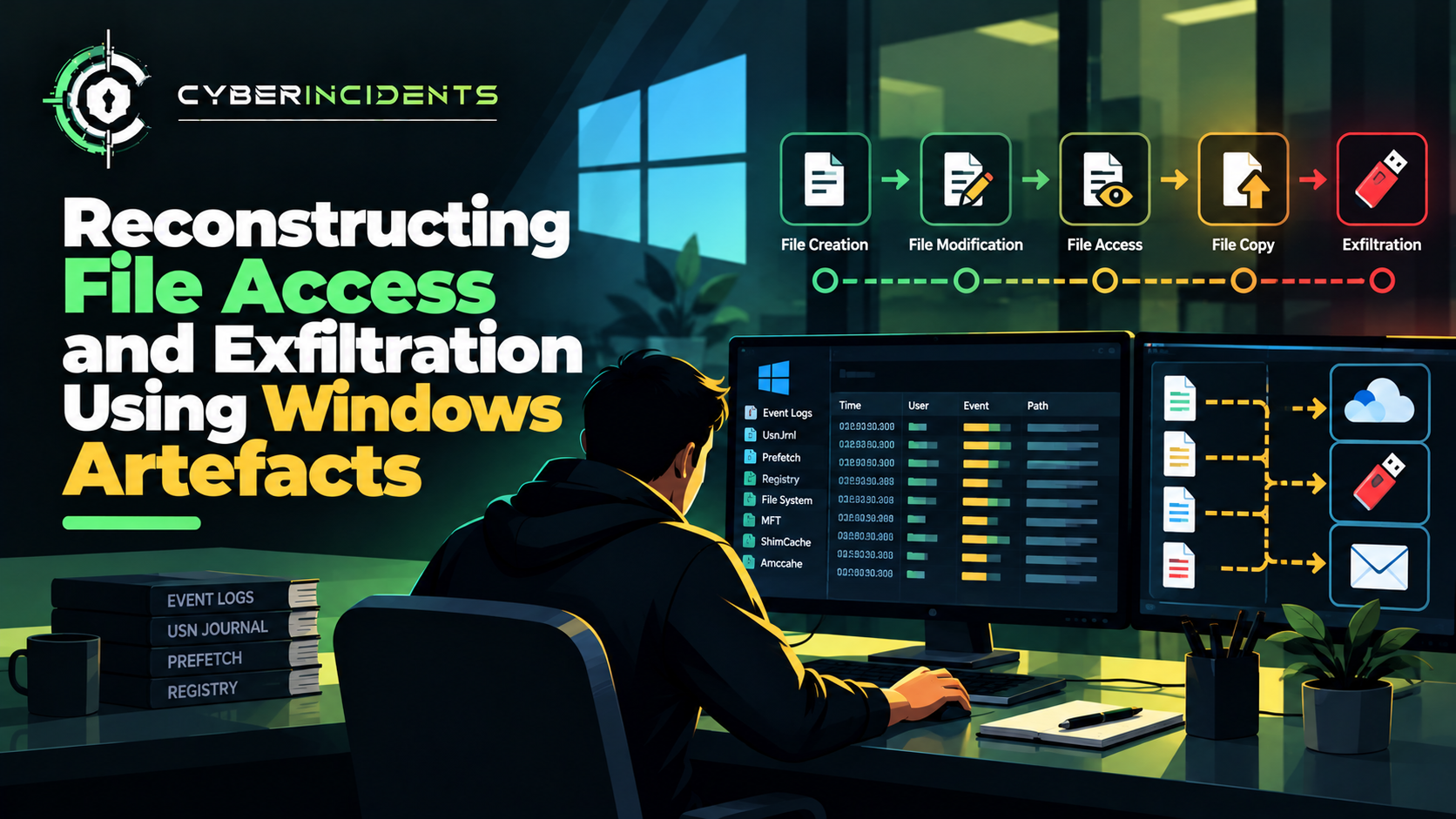
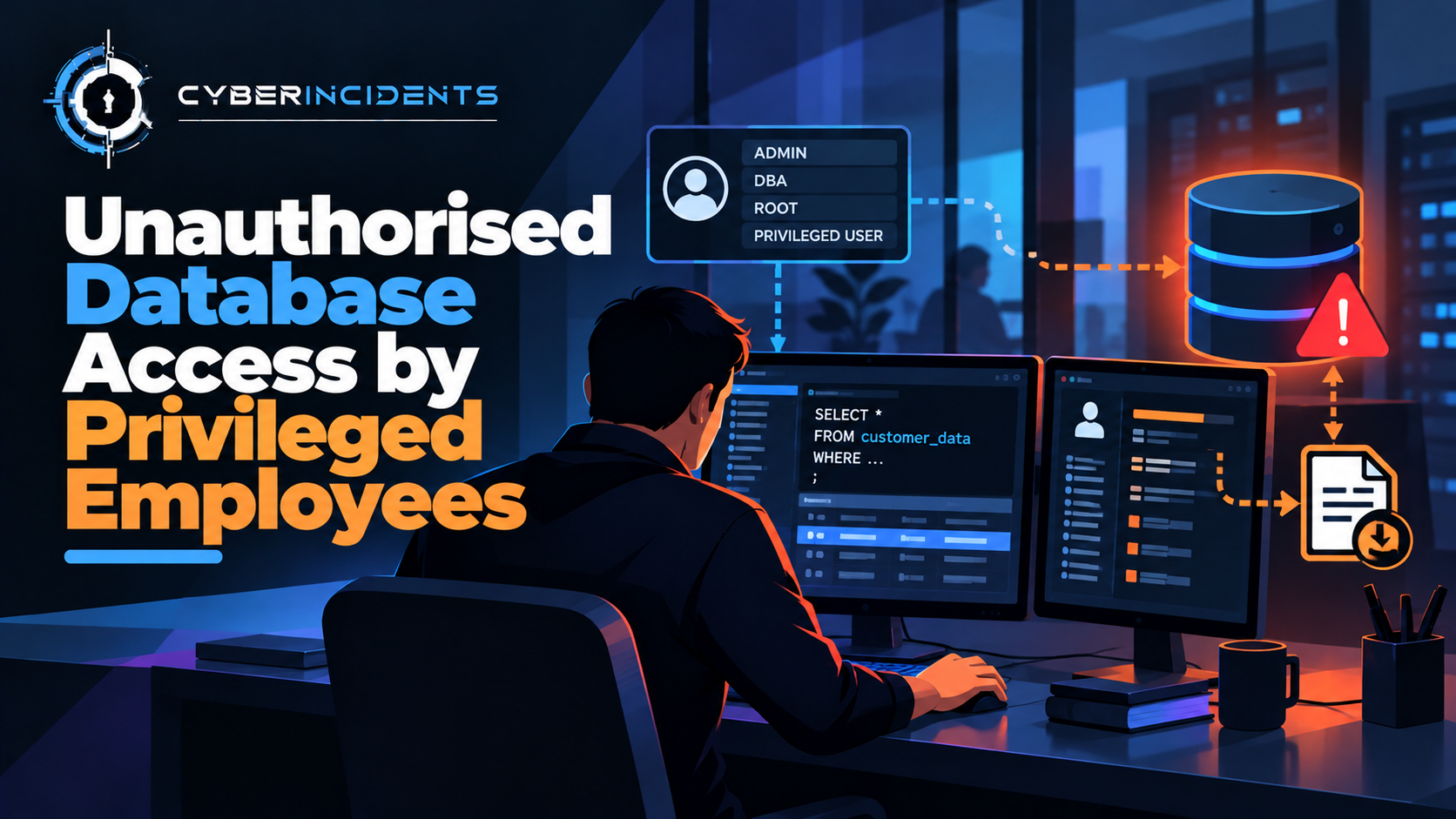
Data theft through personal cloud storage and USB devices occurs when sensitive organisational information is copied or transferred outside approved systems using unauthorised storage services or removable media. Employees, contractors, and compromised accounts may exploit legitimate file-access permissions to move confidential documents, source code, customer records, and intellectual property.
Personal cloud storage can enable transfers through browser uploads, synchronisation clients, or external sharing links. USB devices provide another route for copying data without requiring an internet connection.
For SOC analysts, detecting these incidents requires correlating endpoint telemetry, file-access records, cloud audit logs, USB device events, network traffic, and data loss prevention (DLP) alerts.
The central challenge is distinguishing authorised business activity from unauthorised data movement and establishing whether sensitive information actually left organisational control.
1. Introduction: When Everyday Tools Become Data Exfiltration Channels
Cloud storage and USB drives are widely used for legitimate business purposes. Employees may share project documents, transfer large files, work offline, or move data between approved systems.
However, the same convenience can create opportunities for data theft.
Consider an employee who downloads confidential project documents from a corporate file server, uploads them to a personal cloud account, and copies another collection of files to a USB drive.
The file downloads may appear legitimate because the employee has access to the documents. The cloud service may be reputable, and the USB drive may function normally. Without sufficient monitoring, the organisation may not realise that its information has crossed an unauthorised boundary.
For security operations teams, the investigation must establish what data was accessed, which transfer channels were used, whether the actions were authorised, and whether further disclosure occurred.
2. Understanding the Two Exfiltration Channels
Personal cloud storage
Personal cloud storage refers to storage accounts or services used outside an organisation's approved data-handling arrangements.
Common transfer mechanisms include:
Uploading files through a web browser.
Synchronising local folders with a personal account.
Sharing files through external links.
Copying information into unauthorised file-sharing services.
Transferring files through third-party applications connected to cloud storage.
Cloud-based transfers can be difficult to distinguish from ordinary web traffic because encrypted connections to legitimate providers are common in enterprise environments.
SOC focus: Determine which account was used, which files were transferred, whether the destination was approved, and whether the transfer matched an authorised business process.
USB and removable storage devices
USB devices allow users to copy files to physical storage media. These devices may be used legitimately for backups, offline work, or approved data transfers.
They can also provide a channel for unauthorised information removal, particularly when device usage is not monitored or restricted.
Relevant device types include USB flash drives, external hard drives, and other removable storage devices.
SOC focus: Identify the connected device, establish which files were written to it, correlate the activity with the logged-in user, and determine whether the transfer violated organisational policy.
3. Anatomy of a Data Theft Incident
Consider a hypothetical employee with access to confidential engineering documents.
Stage 1 — Accessing sensitive information
The employee accesses documents from an internal file share or corporate cloud repository.
At this point, the activity may be entirely legitimate.
Stage 2 — Collecting files
The employee downloads or copies a larger-than-usual collection of documents.
Possible indicators include bulk downloads, access to unrelated projects, or file collection outside normal working patterns.
Stage 3 — Preparing the data
Files may be organised into folders or compressed into archives before transfer. This can make the collection easier to move, but archiving is also a routine business activity.
Investigators should examine the contents and context rather than treating compression alone as evidence of theft.
Stage 4 — Transferring through personal cloud storage
The files are uploaded to an unauthorised personal account or made accessible through an external sharing link.
Cloud audit records, browser telemetry, network logs, and DLP alerts may help establish whether this occurred.
Stage 5 — Transferring through USB storage
The employee copies selected files to a removable device.
Endpoint file-write records, device connection events, and device-control logs may establish which files were copied and when.
The cloud and USB stages may occur independently or as part of the same incident.
Stage 6 — Potential disclosure or misuse
The transferred information may be retained, shared with another party, or used outside the organisation.
This final stage requires separate evidence. Confirming a file transfer does not automatically prove that the information was subsequently disclosed or misused.
4. Investigating Personal Cloud Storage Transfers
Step 1 — Identify the destination
Determine which cloud provider, account, domain, or application received the data.
Establish whether the service is approved for business use and whether the account belongs to the organisation or an individual.
Do not assume that every connection to a personal cloud provider is malicious. Employees may use approved workflows or access personal accounts for unrelated activities.
Step 2 — Identify the transferred files
Review available cloud audit records, endpoint file-access logs, and DLP alerts to determine which documents were uploaded or shared.
Record file names, timestamps, sizes, classifications, and available file identifiers.
If the cloud service supports file-level auditing, correlate upload events with the source documents accessed on the endpoint.
Step 3 — Examine the transfer context
Investigate whether the transfer was associated with a normal work task, an approved migration, or an established file-sharing process.
Review the volume of data, the user's historical behaviour, the destination account, and any relevant approvals.
Step 4 — Check sharing permissions
Determine whether the files were merely uploaded to an account or made accessible to additional recipients.
Investigate external invitations, public links, permission changes, and subsequent access to the shared documents.
An upload to a personal account and disclosure to a third party are different outcomes and should be recorded separately.
5. Investigating USB-Based Data Theft
Step 1 — Identify the device
Collect available USB device identifiers, device class, manufacturer information, serial number, connection time, and the endpoint to which it was connected.
The available details depend on the operating system, device type, audit configuration, and endpoint tooling.
Step 2 — Establish who used the device
Correlate device activity with the logged-in user, session information, and endpoint timeline.
Shared workstations and unattended devices may complicate attribution, so avoid assuming that the logged-in account identifies the person who physically handled the device with certainty.
Step 3 — Identify file-write activity
Review endpoint telemetry and file-system records for writes to the removable volume.
Determine which files were copied, their sizes, timestamps, and sensitivity classifications where available.
A USB connection event alone does not prove that data was written to the device.
Step 4 — Examine surrounding activity
Correlate USB usage with bulk file access, archive creation, unusual process execution, and other transfer activity.
If the endpoint also uploaded documents to personal cloud storage, determine whether the same files or data sets were involved.
Step 5 — Assess device-control policy
Establish whether the device was approved, whether the endpoint permitted the transfer, and whether a policy violation occurred.
Review any device-control alerts, exceptions, or approved business justifications.
6. SOC Investigation: Step-by-Step Workflow
A unified investigation should connect the data source, user, endpoint, transfer channel, and potential impact.
Step 1 — Validate the alert
Determine whether the investigation began with a DLP event, unusual cloud upload, removable-device alert, or bulk file-access detection.
Record the user, device, timestamp, data volume, destination, and detection rationale.
Step 2 — Establish the data's sensitivity
Identify the information involved and its classification.
Determine whether it contains intellectual property, customer information, financial records, personal data, credentials, or other sensitive material.
Avoid collecting or reproducing sensitive content unnecessarily.
Step 3 — Reconstruct endpoint activity
Use EDR telemetry, file-access auditing, and operating-system logs to establish the sequence of file access, copying, archiving, and transfer.
On Windows, Security Event ID 4663 may record an attempt to access an object when the relevant auditing and auditing policy are configured. Its usefulness depends on the object access settings and collected event details.
Process-creation telemetry, including Security Event ID 4688 when enabled, may help identify utilities or applications involved in the activity.
Neither event independently proves data exfiltration.
Step 4 — Correlate cloud activity
Review cloud application audit records, upload events, file-sharing permissions, and available access history.
Identify whether the destination was approved and whether the files were accessible to external recipients.
Step 5 — Correlate USB activity
Review device connection records, device identifiers, file-write events, and endpoint policy alerts.
Establish which files were copied and whether the transfer was authorised.
Step 6 — Investigate possible credential exposure
Determine whether transferred documents or configuration files contained passwords, access tokens, API keys, or other secrets.
If credential exposure is plausible, review identity and cloud audit records for subsequent use from unusual devices, locations, or sessions.
Step 7 — Determine the impact
Assess the number of files, the sensitivity of the information, the transfer destination, and whether other recipients accessed the data.
Document any gaps in telemetry that prevent a definitive conclusion.
Step 8 — Contain and recover
If unauthorised transfer is confirmed or strongly suspected, follow the incident-response process.
Potential actions include revoking external sharing links, restricting unauthorised cloud access, applying removable-media restrictions, preserving evidence, and rotating potentially exposed credentials.
Coordinate with authorised legal, privacy, HR, and data-owner personnel where appropriate.
7. Evidence and Indicators to Collect
Evidence sourceWhat to examineInvestigative purposeDLP alertsSensitive-data matches, policy violations, transfer contextIdentifies potentially unauthorised movementEndpoint telemetryProcess activity, file access, file writesReconstructs the transfer sequenceCloud audit logsUploads, sharing links, permissions, recipientsEstablishes cloud-based transfersBrowser and proxy logsDestinations, sessions, connection metadataSupports investigation of web-based uploadsUSB device logsDevice identifiers, connection times, device classEstablishes removable-media usageFile-system recordsFile paths, timestamps, sizes, hashesHelps identify the data copiedIdentity logsUser sessions, authentication, privilege changesProvides account and access contextFirewall and network logsDestinations, connection timing, traffic volumeSupports transfer-path analysis
The strongest evidence comes from correlating multiple sources. A USB connection does not prove copying, and a connection to a cloud provider does not prove that confidential information was uploaded.
8. Detection Engineering: Correlating Cloud and USB Activity
A practical detection strategy combines sensitive-data access with a transfer event and relevant context.
For example, an employee downloads a large collection of confidential files, writes several of those files to removable media, and uploads another collection to an unapproved cloud account within a short period.
The combination of these events warrants investigation.
Conceptual SIEM detection logic
IF
sensitive_file_access exceeds baseline
AND
(
upload_to_unapproved_cloud_storage
OR
write_to_unapproved_removable_device
)
THEN
raise a potential data-exfiltration alert
This is conceptual pseudocode, not a query for a specific SIEM.
A production detection should account for approved transfers, backup activity, legitimate project handovers, and authorised removable media.
Useful enrichment includes data classification, device approval status, cloud application classification, user role, destination account, and prior activity.
Consider detecting cloud and USB transfers independently as well as correlating them. An attacker may use only one channel, so requiring both would miss many incidents.
9. MITRE ATT&CK Mapping
The following techniques may be relevant when supported by the investigation:
T1567 — Exfiltration Over Web Service: Relevant when data is transferred through a web-based service, including some cloud-storage services.
T1052.001 — Exfiltration over USB: Relevant when data is exfiltrated through USB storage.
T1074 — Data Staged: Relevant when information is collected into a staging location before transfer.
T1560 — Archive Collected Data: Relevant when collected information is archived or compressed.
T1213 — Data from Information Repositories: Relevant when an adversary collects information from enterprise data repositories.
These mappings describe observed behaviours, not proof of malicious intent. Apply the most specific appropriate sub-technique when the evidence supports it.
10. Preventing Data Theft Through Cloud Storage and USB Devices
Control personal cloud usage
Maintain an inventory of approved cloud applications and restrict unauthorised services where appropriate.
Use cloud access security controls, endpoint policies, and DLP to identify sensitive uploads and external sharing.
Apply least-privilege access
Limit access to confidential documents and intellectual property according to job requirements.
Review permissions regularly and remove unnecessary access.
Enforce removable-media policies
Allow only approved devices where operationally appropriate. Use device-control policies to restrict writes to unauthorised storage and log file transfers.
Provide secure alternatives for legitimate offline work.
Deploy context-aware DLP
Use data classification and transfer context to identify sensitive information moving through email, cloud applications, browsers, and removable storage.
Tune policies to reduce false positives while retaining visibility into high-risk activity.
Monitor bulk access and transfers
Establish baselines for downloads, cloud uploads, file sharing, and USB writes.
Prioritise alerts where multiple signals coincide, such as sensitive files, an unapproved destination, and unusual collection behaviour.
Protect credentials
Prevent secrets from being stored in ordinary documents or exposed through unprotected configuration files.
If data containing credentials is transferred outside authorised boundaries, assess whether those credentials need to be revoked or rotated.
Maintain evidence and response procedures
Centralise relevant logs, define retention requirements, and document procedures for investigating suspected data loss.
Ensure investigations are conducted by authorised personnel and comply with applicable privacy and legal requirements.
11. Incident Assessment and Reporting
At the end of an investigation, distinguish between these outcomes:
Unusual access: File activity differs from normal behaviour but remains unexplained.
Policy violation: A transfer breached organisational rules, whether intentionally or accidentally.
Unauthorised transfer confirmed: Evidence establishes that data was copied or transferred outside approved boundaries.
External exposure confirmed: Evidence establishes that an unauthorised recipient could access the data.
Malicious intent supported: Multiple sources support deliberate unauthorised activity.
Scope unresolved: Missing or incomplete telemetry prevents a reliable conclusion.
The final report should include the timeline, data affected, transfer method, destination, authorisation status, containment actions, and outstanding uncertainties.
Conclusion
Personal cloud storage and USB devices are useful business tools, but they can also become channels for unauthorised data removal.
Effective SOC investigations combine endpoint telemetry, file-access records, cloud audit logs, removable-device events, network traffic, and DLP alerts to establish what information moved and whether the transfer was authorised.
The key is to investigate the complete data journey—from initial access and collection to transfer and potential exposure—without treating an unusual download or device connection as proof of theft.
Strong prevention combines least-privilege access, approved transfer mechanisms, removable-media controls, data loss prevention, and evidence-based monitoring.
Further Reading
MITRE ATT&CK — Exfiltration (TA0010)
MITRE ATT&CK — Exfiltration Over Web Service (T1567)
MITRE ATT&CK — Exfiltration Over USB (T1052.001)
CISA — Insider Threat Mitigation
NIST — Computer Security Incident Handling Guide